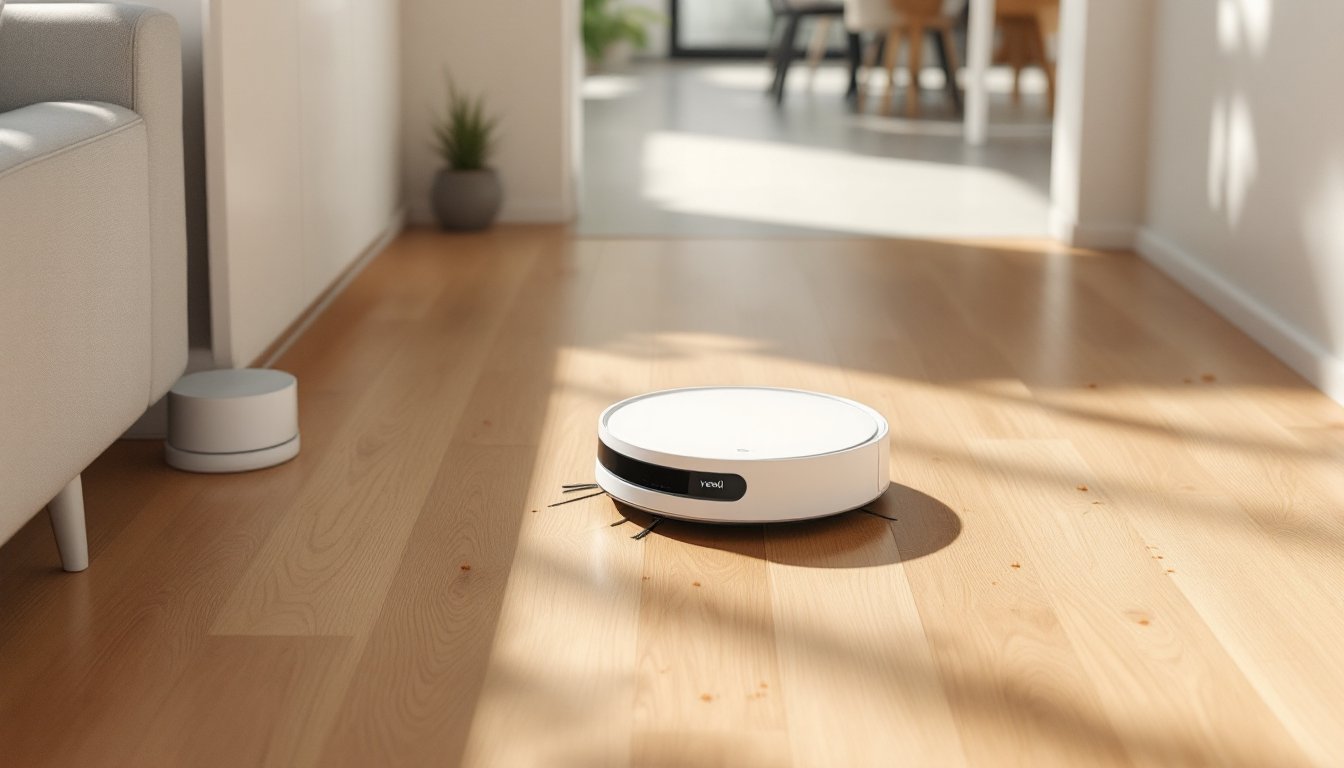
Robot vacuums have shifted from luxury gadgets to practical tools for homeowners juggling maintenance tasks. Yeedi positions itself in the mid-tier sweet spot: affordable enough to justify the purchase, but packed with features that used to cost twice as much. For DIYers already managing smart home setups, thermostats, lighting, security cameras, adding a robot vacuum that integrates with existing systems makes sense. These units handle daily floor maintenance while you’re tackling bigger projects, and they’re simple enough to maintain without calling a tech specialist. This guide breaks down what Yeedi offers, which models deliver the best value, and how to keep them running smoothly.
Table of Contents
ToggleKey Takeaways
- Yeedi robot vacuums deliver mid-tier pricing with premium features like LiDAR navigation, 3,000 Pa suction, and mopping capabilities at $250–$800 depending on the model.
- The Yeedi Vac 2 Pro offers the best value for budget-conscious buyers, featuring a self-emptying dock and simultaneous vacuuming/mopping for under $350.
- The Yeedi Cube justifies its premium price with an auto-cleaning mop station and TrueEdge adaptive edge mopping for baseboards and corners, ideal for large hard flooring areas.
- Integration with Alexa and Google Assistant makes Yeedi robot vacuums fit seamlessly into existing smart home routines, though Apple HomeKit support requires a third-party bridge.
- Regular DIY maintenance—weekly brush cleaning, monthly filter replacement, and quarterly sensor checks—takes just 10 minutes every two weeks and prevents 90% of common failures.
- Yeedi robot vacuums are best suited for homes with hardwood, tile, or low-pile carpet where daily debris management matters; they struggle with high-pile carpet and aren’t replacements for periodic deep cleaning.
What Makes Yeedi Robot Vacuums Stand Out?
Yeedi vacuums compete on three fronts: mapping precision, suction power relative to price, and mopping functionality that goes beyond token dampening. Most models use LiDAR navigation (Light Detection and Ranging), which generates room maps faster and more accurately than camera-based systems. This matters in homes with varied flooring, hardwood, tile, low-pile carpet, because the vacuum adjusts suction automatically based on surface type.
Suction ranges from 2,500 Pa to 3,000 Pa across their lineup, which handles pet hair, dust, and small debris effectively. That’s comparable to units priced $200-$300 higher. The mopping feature uses oscillating pads and adjustable water flow, not just a damp cloth dragged behind the unit. It won’t replace scrubbing grout with a brush, but it maintains sealed hardwood and tile between deep cleans.
App control runs through the Yeedi smartphone app (iOS and Android), supporting multi-floor mapping, no-go zones, and scheduled cleaning. The interface is straightforward, no buried menus or confusing icons. Integration with Alexa and Google Assistant lets users start cleaning via voice command, which fits naturally into existing smart home routines.
Battery life sits around 200-240 minutes depending on the model and cleaning mode. For reference, a 2,000-square-foot home with mixed flooring typically takes 60-90 minutes to vacuum. The unit auto-returns to its dock when the battery dips below 20%, recharges, then resumes where it left off. That’s standard now, but worth confirming if you’re comparing older models.
Top Yeedi Models to Consider for Your Home
Yeedi Vac 2 Pro: Best for Budget-Conscious Buyers
The Yeedi Vac 2 Pro typically runs $250-$350, depending on sales and bundled accessories. It delivers 3,000 Pa suction, a self-emptying dock (holds up to 30 days of debris), and simultaneous vacuuming and mopping. The dock itself is compact, about 16 inches tall and 12 inches wide, so it fits in closets or tucked beside furniture.
This model handles 1-inch transitions between rooms (like standard door thresholds) and climbs over floor registers without getting stuck. The dustbin capacity is 0.42 liters, and the water reservoir holds 240 ml. For a 1,500-square-foot home, expect to refill the water tank every 2-3 cleaning cycles if mopping is enabled.
One practical note: the self-emptying feature reduces maintenance frequency, but the dock’s dust bag still needs swapping monthly. Replacement bags cost about $15 for a three-pack. The mopping pads are machine-washable, toss them in with shop rags, no fabric softener.
Yeedi Cube: Premium Performance with Self-Cleaning Station
The Yeedi Cube sits at the top of their range, usually priced between $600-$800. The standout feature is the self-cleaning mop station: the dock washes the mopping pads with fresh water, drains dirty water into a separate tank, and air-dries the pads to prevent mildew. This eliminates the need to rinse pads by hand after every run.
Suction matches the Vac 2 Pro at 3,000 Pa, but the Cube adds a TrueEdge adaptive edge mopping system. A spinning mop pad extends out from the side of the unit to scrub baseboards and corners, areas where round vacuums typically miss. It’s a noticeable upgrade if you’ve got tile or luxury vinyl plank flooring with grout lines.
The station requires a water hookup for automatic refilling (optional, using a gravity-fed bottle if plumbing isn’t nearby) and a drainage line or internal dirty water tank. Installation is DIY-friendly: the water bottle refills manually, and the drain tank pulls out for dumping in a utility sink. No plumbing modifications needed unless you want permanent hookup, which involves a ¼-inch water supply line and a drain hose routed to a nearby sink or floor drain.
Battery life and mapping are identical to the Vac 2 Pro. The mopping capabilities and dock automation justify the higher cost if you’re maintaining large areas of hard flooring and want to minimize hands-on upkeep.
How to Integrate Yeedi into Your Smart Home Automation Setup
Yeedi vacuums connect to 2.4 GHz Wi-Fi networks (not 5 GHz, important if your router broadcasts dual bands). During setup, the app walks through network selection and pairing. If you’ve installed smart switches or thermostats before, the process is familiar: download the app, create an account, hold the vacuum’s power button for three seconds to enter pairing mode, and follow prompts.
Once connected, link the vacuum to Amazon Alexa or Google Home through the respective app’s skills or services menu. Voice commands include “start cleaning,” “return to dock,” and “pause.” You can’t specify rooms by voice out of the box, but routines solve this. For example, set a Google Home routine that triggers “clean the kitchen” when you say “clean up after dinner.”
Scheduling works two ways: in-app or through smart home platforms. The Yeedi app lets you set daily or weekly schedules with room-specific zones. Alternatively, use IFTTT or smart home hubs (Home Assistant, SmartThings) to trigger cleaning based on conditions, like starting a vacuum cycle when your smart door lock registers everyone leaving, or after the smart thermostat switches to “Away” mode.
No-go zones are mapped in the app by dragging boxes over the floor plan. Use these to avoid pet bowls, rug tassels, or areas with loose cables. Virtual walls work similarly but block off entire rooms. If you’re running Ethernet drops or working on a floor repair in one room, blocking it off takes 10 seconds in the app.
One compatibility note: Yeedi doesn’t natively support HomeKit (Apple’s smart home platform) as of early 2026. Workarounds exist using Homebridge (a third-party bridge software), but that requires a Raspberry Pi or always-on computer. Not a dealbreaker, but worth knowing if your setup is Apple-centric.
Maintaining Your Yeedi Robot Vacuum: Essential DIY Tips
Regular maintenance takes about 10 minutes every two weeks and prevents 90% of common failures. Here’s the DIY rundown:
Weekly Tasks:
- Empty the dustbin if not using a self-emptying dock. Press the release latch, dump contents into a trash bag, and tap out remaining dust. Rinse the bin under warm water monthly, let it air-dry completely (24 hours) before reinstalling.
- Check the main brush roller for hair wraps. Pop out the brush using the included cleaning tool (it’s a small plastic pick with a blade edge), cut tangled hair with scissors, and pull it free. Pet owners may need to do this twice weekly.
- Wipe the charging contacts on both the vacuum and dock with a dry microfiber cloth. Dust buildup here causes intermittent charging.
Monthly Tasks:
- Replace or clean the HEPA filter. Tap it against a trash can to dislodge dust, or rinse under water (check the manual, some filters are washable, others aren’t). Filters cost about $12 for a two-pack and should be fully replaced every 3-4 months.
- Inspect the side brushes (the spinning bristles on the perimeter). They wear down over time, especially on abrasive tile. Replacement brushes cost $10 for a set of four and twist off with a small screwdriver.
- Clean the mopping pads. Machine-wash on warm with detergent, no bleach. Air-dry or tumble on low. Replace pads every 3-6 months depending on use frequency, frayed edges or permanent stains mean it’s time.
Quarterly Tasks:
- Check the wheels for debris. Hair and string wrap around the axles, reducing mobility. Flip the vacuum, pull off the wheel covers, and clear any buildup.
- Inspect the cliff sensors (small black circles on the underside). Wipe them with a dry cloth. Dirty sensors cause the vacuum to think it’s near stairs and stop moving.
Safety note: Always power off and unplug the dock before cleaning internal components. The self-emptying dock motor can activate unexpectedly if the vacuum docks mid-maintenance.
Replacement parts are available through Yeedi’s site or Amazon. Stock a spare filter and brush set so you’re not waiting on shipping when something wears out mid-project season.
Is a Yeedi Robot Vacuum Right for Your Home?
Yeedi fits homes where daily debris management beats weekly deep cleaning. If you’re dealing with hardwood, tile, or low-pile carpet and want to offload routine vacuuming, the time saved adds up. For context, vacuuming a 1,500-square-foot home manually takes 30-45 minutes: the robot handles it autonomously in about 60-90 minutes while you’re working on other tasks.
They’re particularly useful during renovation phases. Drywall dust, sawdust, and tracked-in dirt from outdoor projects get picked up daily instead of building up. Just block off active work zones with virtual walls to avoid sucking up screws or drywall anchors.
Limitations: These units struggle with high-pile carpet (anything over ½ inch) and shag rugs. Suction power isn’t enough to pull embedded dirt from deep fibers. They also can’t climb obstacles over 1 inch, so homes with sunken living rooms or unusual floor transitions may see the vacuum get stuck.
Pet hair performance is solid, but homes with multiple shedding dogs will still need the main brush cleared 2-3 times per week. The cleaning power handles typical household messes effectively, but it’s a maintenance tool, not a replacement for periodic manual deep cleaning.
Noise levels run around 65-70 decibels on max suction, about as loud as a dishwasher. The self-emptying dock hits 80 decibels for 10-15 seconds when transferring debris. If you’re running it during the day, it’s barely noticeable. Late-night cleaning might wake light sleepers.
Pricing makes Yeedi competitive for DIYers who comparison-shop. The Vac 2 Pro undercuts similar models from Roborock and Ecovacs by $100-$200 while matching core features. The Cube competes with premium units but costs 30-40% less. For homeowners already invested in smart home gear and looking to automate another repetitive task, it’s a logical addition.